Guides

Consumer guides

Straight answers about viruses, scams and compromised accounts — written for the person sitting in front of the machine, not for a procurement team.

A small office with several computers on desks, representing a shared network
October 28, 2026
One laptop is behaving badly and everyone else is working. The order you do things in decides whether it stays one machine or becomes all of them.
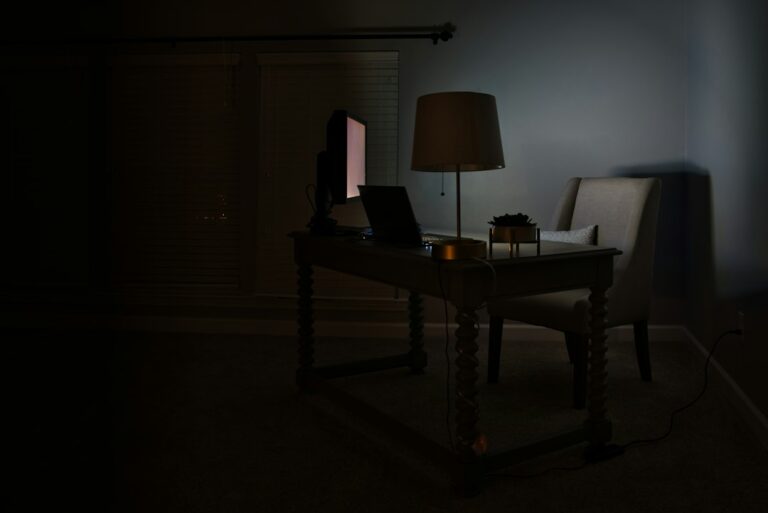
A dark desk setup with a laptop displaying a lock, illustrating ransomware
October 28, 2026
The note is on the screen and the files will not open. Before you consider paying, there are three things worth checking — and one thing to stop doing immediately.
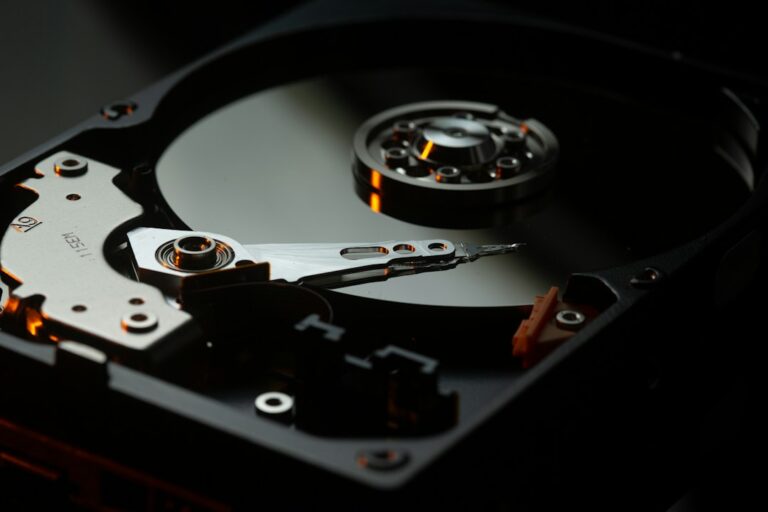
An open hard drive beside a laptop, representing files that need to be recovered
October 28, 2026
The real question behind “can you clean my PC” is “will I lose my photos”. Here is what a careful clean-up does to your files, and how to protect them first.
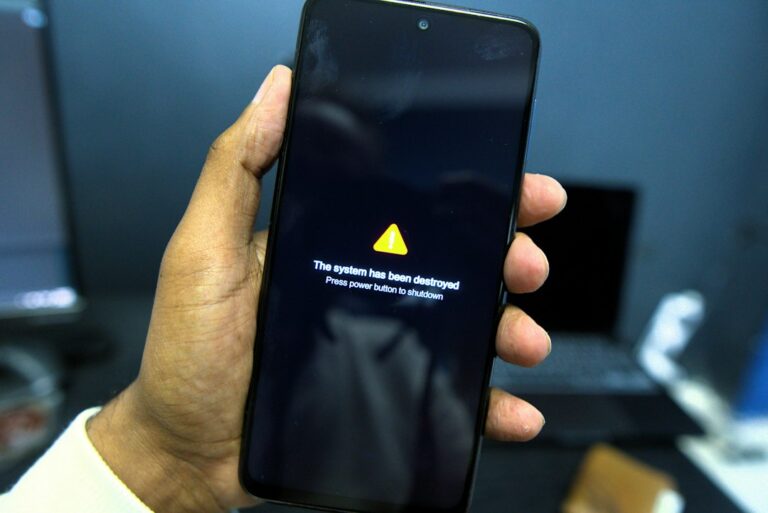
A smartphone held in one hand showing a full-screen warning message
October 28, 2026
Most “your phone is hacked” warnings are advertisements. Here is how to check the few that are real, and what to do either way.
An older laptop on a desk, illustrating a computer that has become slow
October 28, 2026
A slow machine is usually old hardware or a full disk, not malware. Here is how to tell the two apart in ten minutes, without installing anything.
A laptop screen filled with code and a red warning graphic, representing a virus infection
October 28, 2026
Disconnect first, don’t pay the pop-up, copy your files before anyone touches the disk. What a real clean-up involves, and when to stop and call someone.